

To learn more about this, please reach out to your SumTotal Professional.
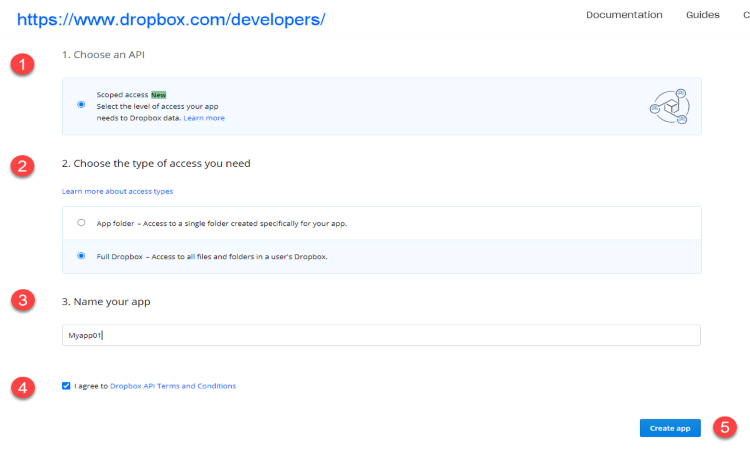
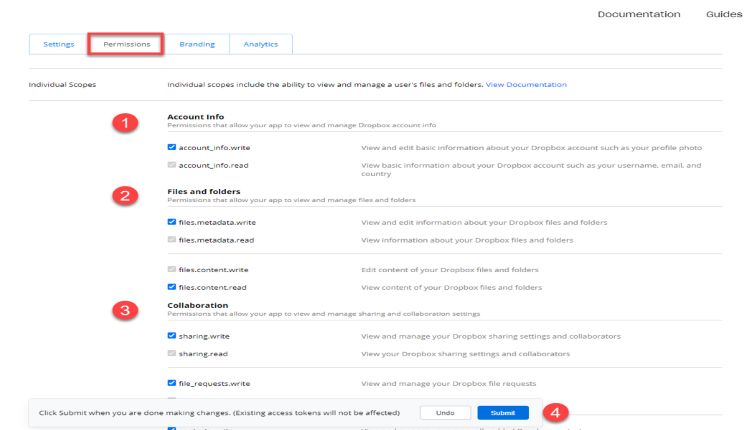
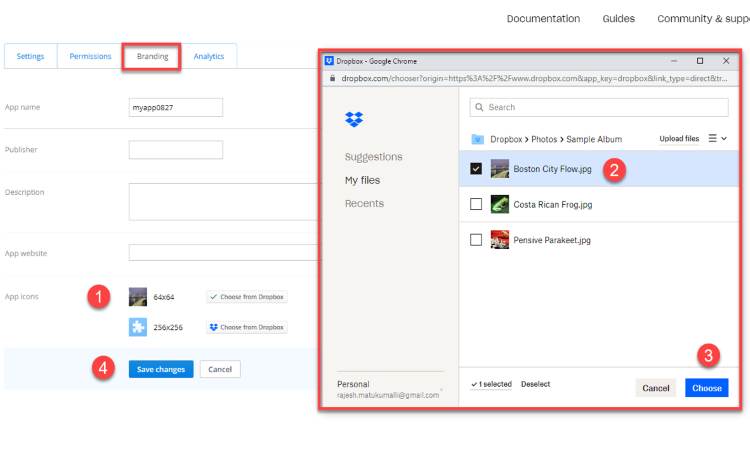
Dropbox configuration app should be created in Dropbox developers console. Please refer Talent Acquisition documentation for more details on setting up.
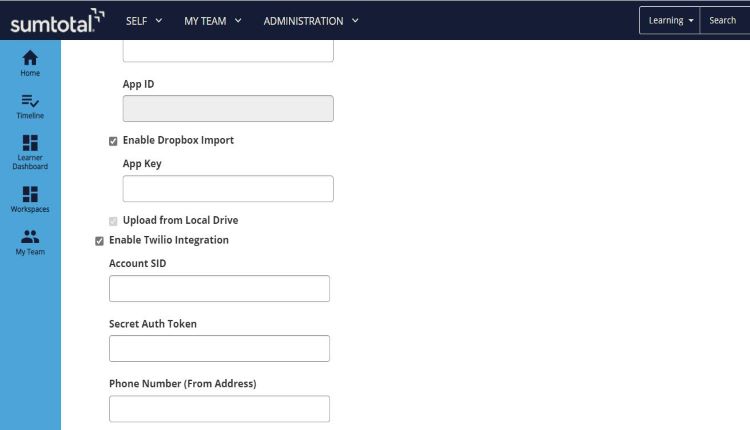
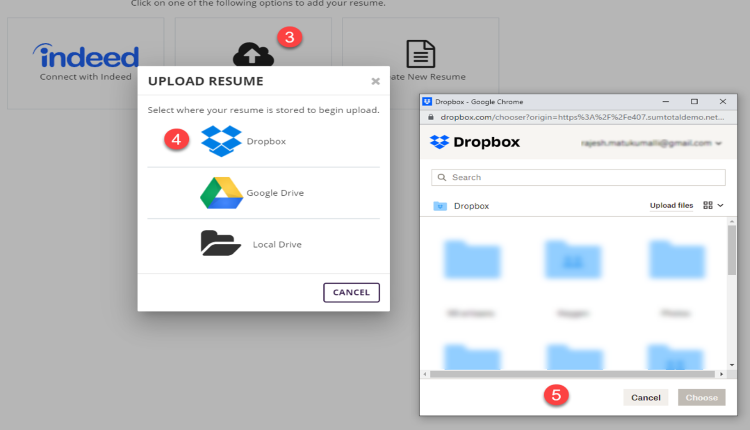
Yes. Dropbox integration should be enabled and App Key should be added into Recruiting Configurations page.
Yes. When the first Dropbox API app is created, it would default to development status. It should be converted to Production Key.
Your app functions the same as any production status app except that it can only be linked with up to 500 total Dropbox users. However, once your app links 50 Dropbox users, you will have two weeks to apply for and receive production status approval before your app's ability to link additional Dropbox users will be frozen, regardless of how many users between 0 and 500 your app has linked. For more details, please read the Applying for production status section below.
More info https://www.dropbox.com/developers/reference/developer-guide#production-approval
Request can be submitted for production status at anytime, but it will not be reviewed until your app has linked with at least 50 Dropbox users, indicating that it will likely require production status.
Specify the environment for which you want to submit the installation request