


To learn more about this, please reach out to your SumTotal Professional.
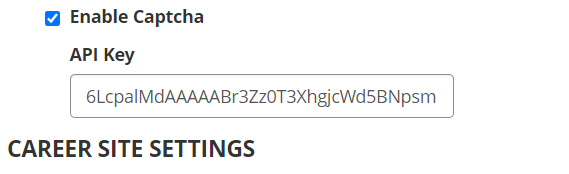
Yes, reCaptacha API Key should be entered in Recruiting Configurations page.
Captcha is optional since candidates can create accounts in the Career Site regardless of whether Captcha is enabled. So, the main reason for enabling Captcha is if a customer is concerned that "bots" might create accounts in the Career Site. And theoretically, if bots could create accounts, they could also spam recruiters mailboxes with many fake applications.
Login using gmail credentials into https://www.google.com/recaptcha/admin#list and register a new site by selecting reCAPTCHA V2 type. Please refer Talent Acquisition documentation for more details on setting up.
Specify the environment for which you intend to download this product